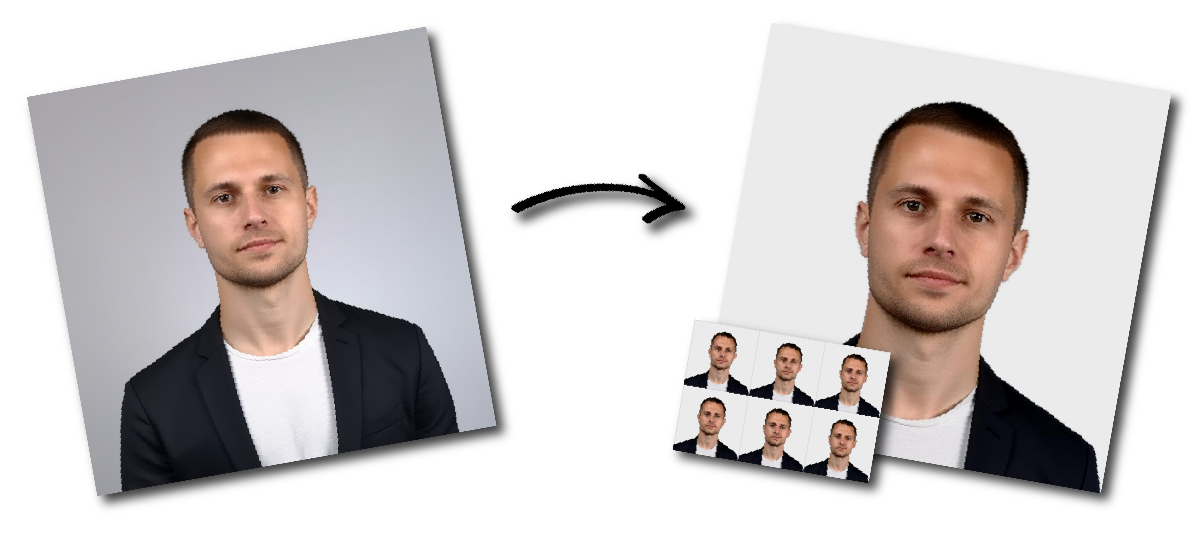
United Arab Emirates (الإمارات العربيّة المتّحدة) Passport Photo Requirements
Photo Print Size:
40×60 mm
Head size:
Head must occupy 70 to 80% of the photograph measured from the botton of the chin to the top of the head
Background color:
White
Resolution:
≥300 dpi
Paper type:
Matte
Digital Photo Size:
944×1417 pixels
Don't worry about the size requirements. Our tool will automatically create correct United Arab Emirates (الإمارات العربيّة المتّحدة) Passport photos for you.
Photo Size and Quality
The photo must be recent, clear, sharply focused, and high quality.
It should not have any marks, folds, or creases.
Face Position and Framing
The photo should show a close-up of the applicant’s face, including the head and upper shoulders.
The face should cover around 70–80% of the photo.
The applicant must face the camera directly.
Expression
The applicant should have a neutral expression, with the mouth closed and eyes open.
The eyes must be clearly visible.
Lighting and Background
The photo should have natural skin tones, balanced brightness, and proper contrast.
Lighting must be even, with no shadows, glare, red-eye, or flash reflection.
The background should be plain, light-coloured, and free from patterns or objects.
Hair and Eyes
Hair must not cover the eyes. Both eyes should be fully visible.
Glasses
Glasses are allowed only if the eyes are clearly visible.
Tinted lenses, glare, and frames covering the eyes should be avoided.
Head Coverings
Head coverings are not allowed unless worn for religious reasons.
The full face must remain visible from the chin to the forehead, including both sides of the face.
Other Objects or People
Only the applicant should appear in the photo. No other people, chair backs, toys, or objects should be visible.