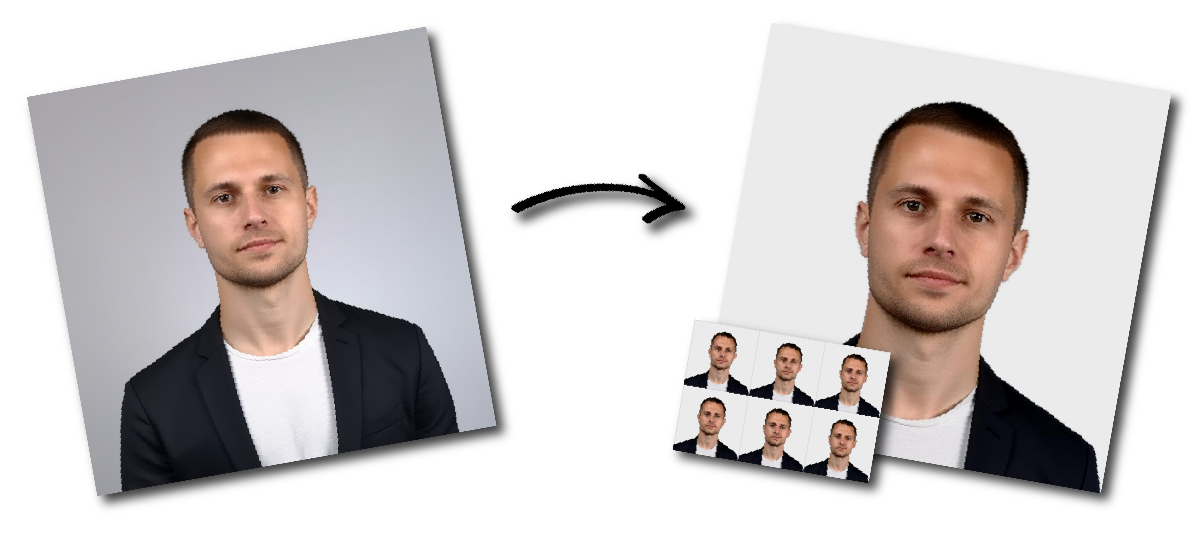
Make Philippines (Pilipinas) Passport Photo Online

Upload a photo to start or choose another document.

how_it_works

Philippines (Pilipinas) Passport Photo Requirements

Sample Photo
Photo Print Size:
35×45 mm
Head size:
Head must occupy 70 to 80% of the photograph measured from the botton of the chin to the top of the head
Background color:
Sky Blue
Resolution:
≥300 dpi
Paper type:
Matte
Digital Photo Size:
826×1062 pixels

Don't worry about the size requirements. Our tool will automatically create correct Philippines (Pilipinas) Passport photos for you.

How you should pose

  • You should face the camera directly and keep your head straight. 
  • You should keep a neutral expression and your teeth should not be visible.

Hair and face visibility

  • Your full face should be clearly visible during photo capture. 
  • Both ears should be visible as much as possible, your forehead should be clear, and your eyebrows should not be covered by bangs or hair fringes.


Eyeglasses, contact lenses, and accessories

  • You should remove eyeglasses, shades, and colored contact lenses before the photo is taken. 

Makeup and appearance

  • Your appearance should look natural in the photo. 

Head coverings

  • Head coverings are generally allowed only for religious or health reasons.