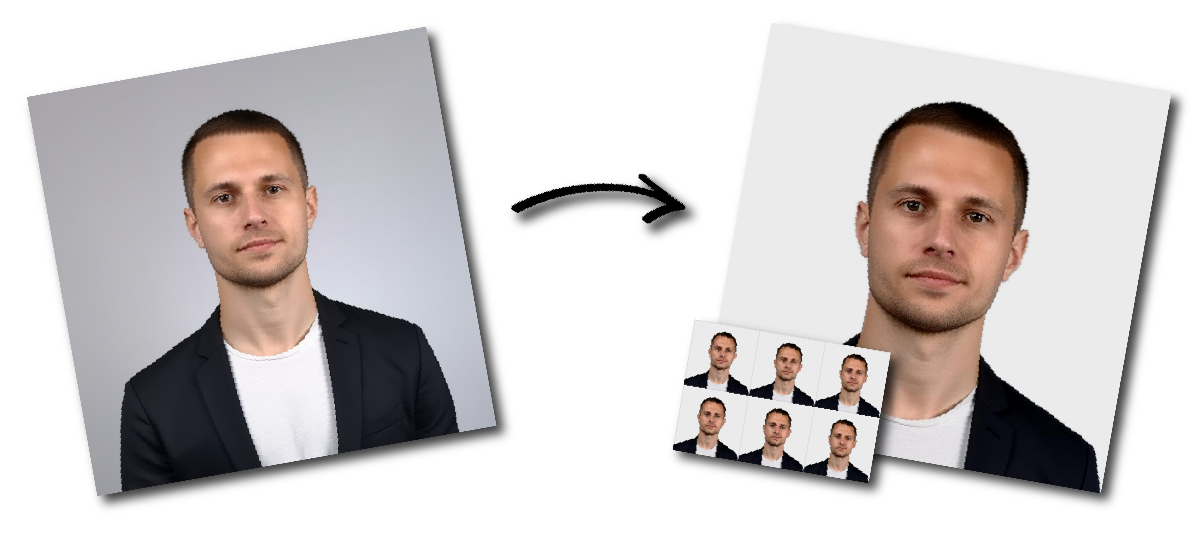
Make Palestinian Territory Visa Photo Online

Upload a photo to start or choose another document.

how_it_works

Palestinian Territory Visa Photo Requirements

Sample Photo
Photo Print Size:
30×40 mm
Head size:
Head must occupy 70 to 80% of the photograph measured from the botton of the chin to the top of the head
Background color:
White
Resolution:
≥300 dpi
Paper type:
Matte
Digital Photo Size:
708×944 pixels

Don't worry about the size requirements. Our tool will automatically create correct Palestinian Territory Visa photos for you.

Photo Format

  • Use a standard vertical, passport-style layout.
  • For digital use, ensure the image is high resolution for clarity and official acceptance.

Background Requirements

  • Background must be plain white.
  • No patterns, textures, shadows, or additional objects are allowed.

Head Position and Framing

  • Face the camera directly with the head centered.
  • The full face (top of head to chin) must be visible.
  • The face should occupy about 70%–80% of the photo height.
  • Both eyes must be open and clearly visible.

Facial Expression

  • Maintain a neutral expression.
  • No smiling, frowning, or exaggerated expressions.
  • Keep the mouth closed and look straight at the camera.

Photo Quality

  • Submit a recent color photo (typically within six months).
  • Ensure the image is sharp, well-lit, and free of glare, shadows, or red-eye.
  • Avoid blur, overexposure, or edits that alter natural appearance.

Clothing and Appearance

  • Wear everyday clothing that contrasts with the background.
  • Head coverings are not allowed unless for religious reasons.
  • Hair must not cover the face or eyes.

Glasses and Accessories

  • Glasses are discouraged unless medically necessary.
  • If worn, they must not cause glare or obstruct the eyes; tinted lenses are not allowed.
  • Keep accessories minimal and ensure they do not hide facial features.