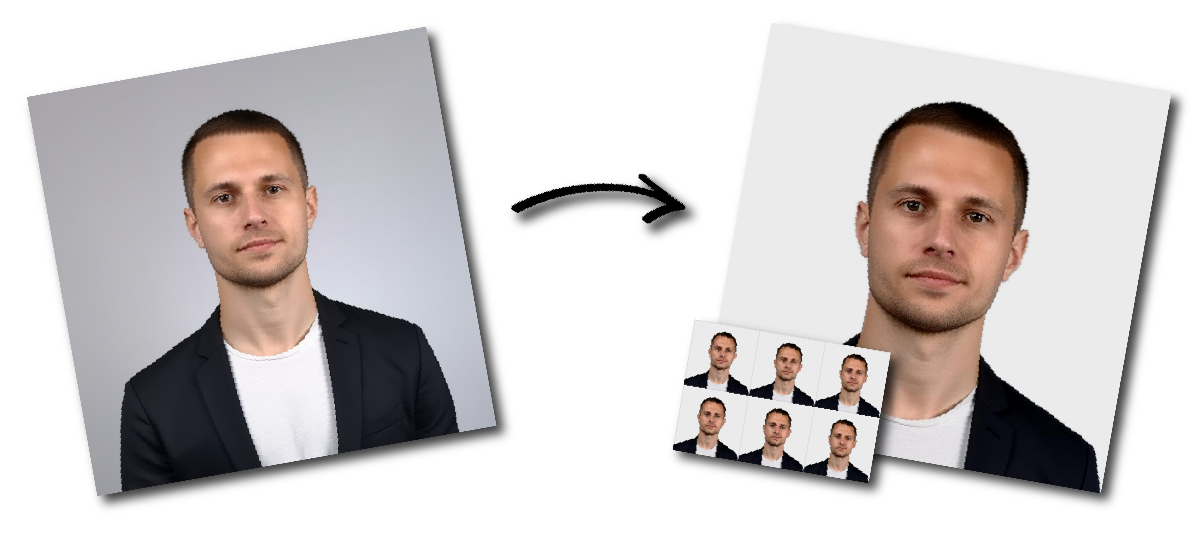

Don't worry about the size requirements. Our tool will automatically create correct Malaysia Passport (White background) photos for you.
Photo Size and Layout
Dimensions: 35 mm (width) × 50 mm (height)
Ensure the face is properly centered and scaled within the frame
Background
Plain white background
No shadows, patterns, or objects
Facial Expression
Maintain a neutral expression
Eyes open
Mouth closed, no smiling
Photos are taken in full-face view directly facing the camera
Full face must be clearly visible with forehead and ears visible/exposed when possible.
Attire
Do not wear glasses, hats, or uniforms
Head coverings are only allowed for religious reasons, and facial features must remain clearly visible
Applicants must wear dark-colored clothing and cover the shoulders and chest
Remove hair/head accessories, and jewelry (such as earrings, nose rings or necklace) when photo is taken
Image Quality
The photo must be sharp, clear, and in focus
Minimum resolution: 600 DPI
File size: 1 MB to 15 MB
Use even lighting with no shadows or glare
Additional Notes
Avoid overexposure or underexposure
Ensure natural skin tones and accurate color balance