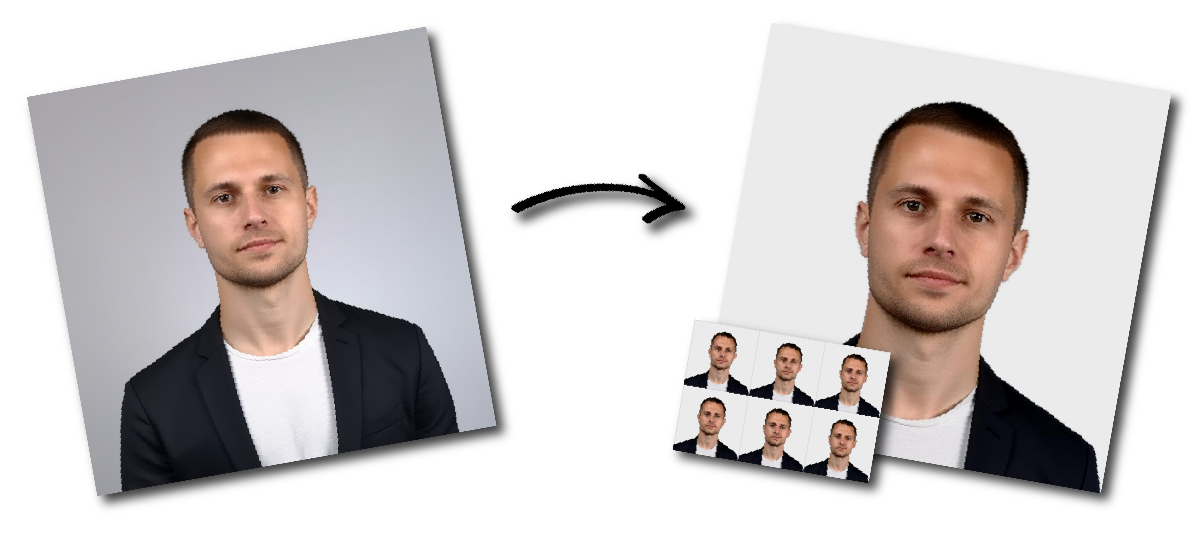

Don't worry about the size requirements. Our tool will automatically create correct Dominica Passport photos for you.
General
Must be taken within the last six months.
Printed on high-quality photo paper with proper lighting and resolution.
No shadows, glare, or over/underexposure.
Face should show a neutral expression with a closed mouth. A slight smile is acceptable if the mouth remains closed.
Head coverings are only allowed for religious reasons; the full face must be visible from chin to forehead and ear to ear.
Size and Composition
Photo size: 45 mm high × 38 mm wide.
Head height: 70–80% of the image.
Chin positioned 10–12 mm from the bottom edge.
Top of the head 3–5 mm from the upper edge.
Shoulders visible with a close-up framing of the head and upper torso.
Background and Appearance
Background must be white or a light color (light grey, blue, brown, or beige).
Ensure clear contrast between clothing and background; avoid white shirts on white backgrounds.
Clothing should be modest - no sleeveless or camouflage attire.
No sunglasses or tinted lenses; prescription glasses are allowed if there is no glare.
Face must be centered, looking directly at the camera, with both ears visible.