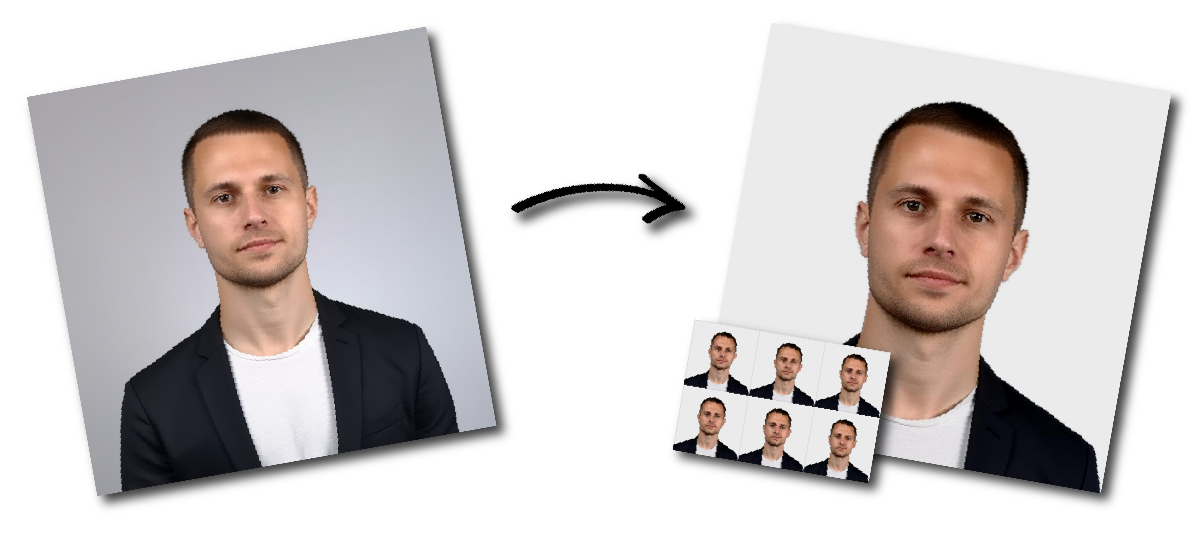

Don't worry about the size requirements. Our tool will automatically create correct Argentina Passport photos for you.
Size and Format
Dimensions: 40×40 mm
Quantity: two identical copies.
Accepted formats: .pdf, .jpg, .gif, .bmp, .png.
Camera resolution: at least 600 DPI.
Recommended file size: under 300 kB.
Must be in color; black-and-white photos are not accepted.
Photo Composition
Background: plain white, shadow-free.
Head height: 70–80% of the image.
Eyes: positioned at eye level, looking straight at the camera.
Pose and Expression
Expression: neutral with a closed mouth.
Head: facing forward and centered.
Eyes: open and clearly visible. No head tilt.
Clothing and Accessories
Wear regular, everyday clothes. Avoid uniforms or costume-like attire.
Head coverings are permitted only for religious or medical reasons with a signed statement; the entire face must remain visible.
Glasses allowed only for documented medical needs, without glare.
Headphones and wireless devices are not allowed.
Jewelry and piercings are acceptable if they don’t obscure facial features.
Quality Requirements
The image must be sharp, clear, and in focus.
Lighting should be even, with no glare or shadows.
The photo must be unedited and show your natural appearance.
It must be taken within the last six months.