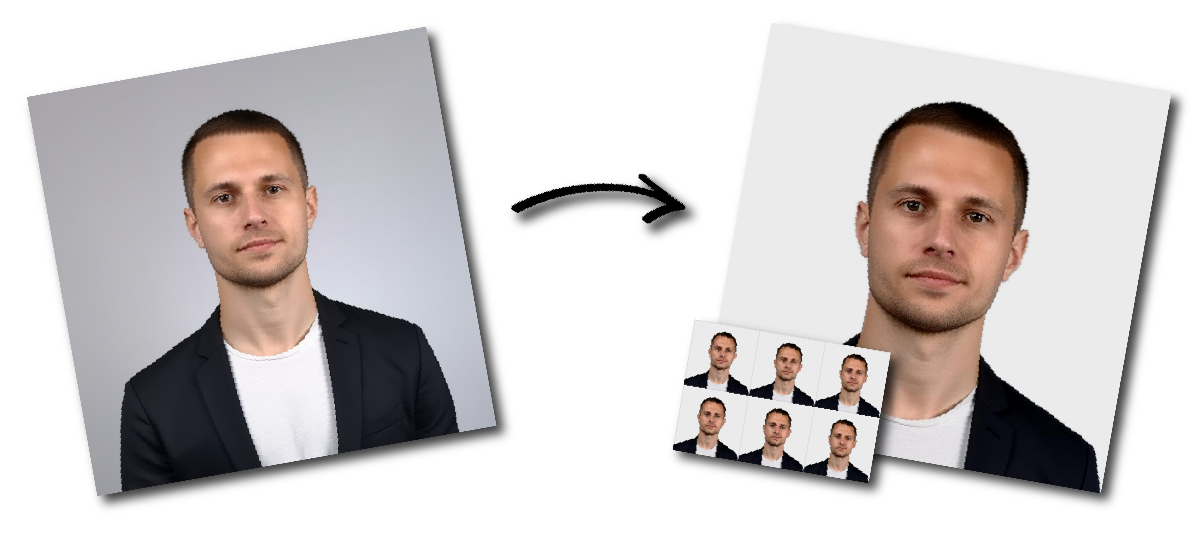

Don't worry about the size requirements. Our tool will automatically create correct Argentina Passport (Apply from the USA) photos for you.
Dimensions and Format
Size: 1.5×1.5 in.
File types: .pdf, .jpg, .gif, .bmp, .png.
Resolution: 600 DPI camera lens.
Less than 300 kB
Must be in color, not black and white.
Composition
Background: plain white, no shadows.
Head height: 70–80 % of total photo height.
Eyes level and visible, facing the camera.
Pose and Expression
Neutral face, mouth closed.
Head straight, centered.
Eyes open. No tilt or turn.
Clothing and Accessories
Normal daily clothing only. No uniforms.
Head coverings allowed only for religious or medical reasons with a signed statement. Face must remain visible.
Glasses only if medically required; no glare.
No headphones or wireless devices.
Jewelry and piercings allowed if face visible.
Photo Quality
Sharp and clear, in focus.
Even lighting, no glare or shadows.
No editing or retouching.
Taken within the past six months.